Email:
 Phone:

November 24, 2026No Comments
How to Automate Bank Reconciliation: A Guide for Finance Teams
How to Automate Bank Reconciliation with Software
Bank reconciliation compares transactions recorded in a business’s finance system with those on its bank statement. It helps finance teams confirm payments and receipts are recorded correctly and identify differences needing attention.
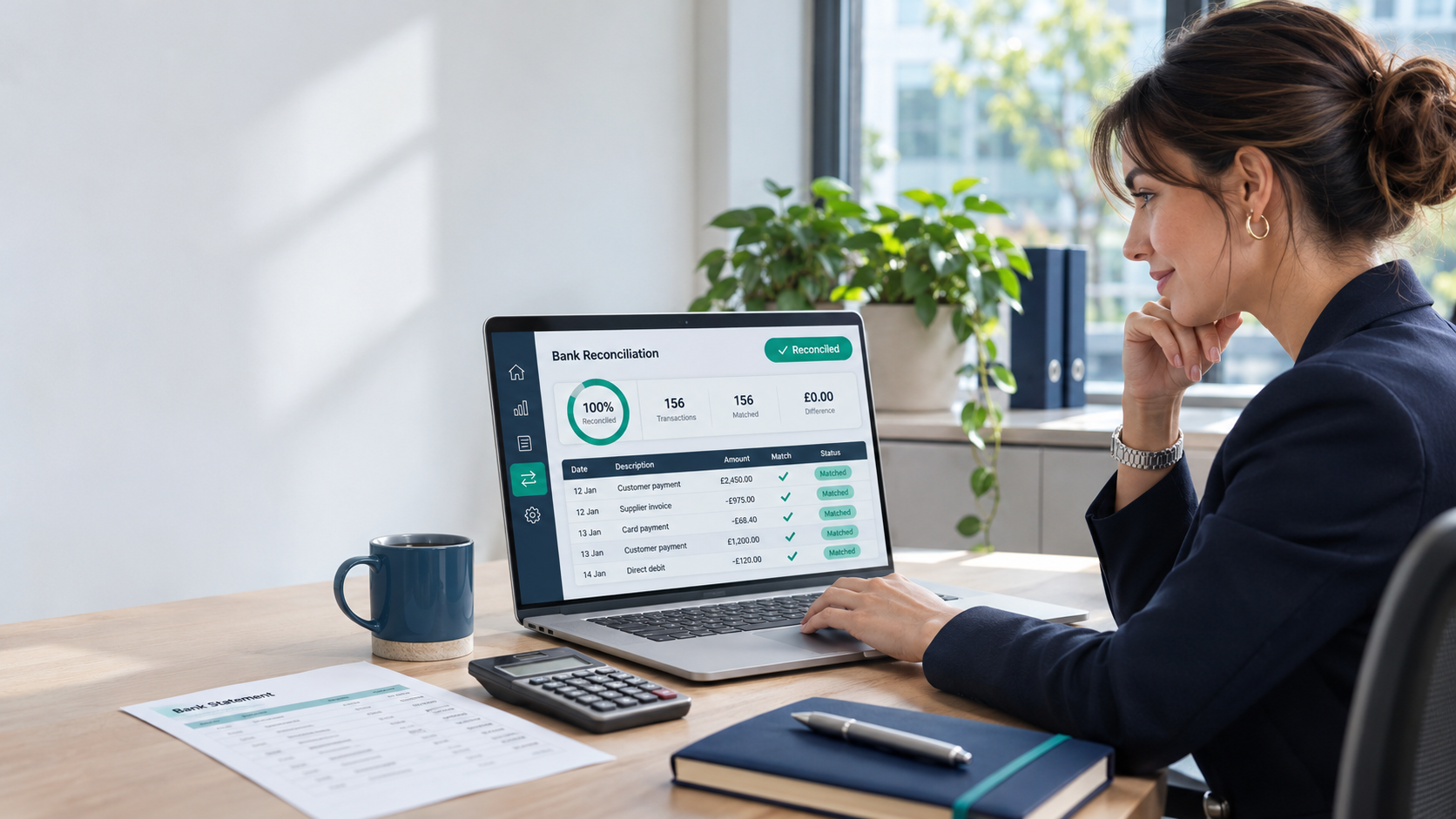
When staff do this manually, they compare transaction lines, check references and amounts, and update records. Automated bank reconciliation software matches transactions, applies configured rules, and flags items needing review.
How Does Automated Bank Reconciliation Work?
The process depends on the systems and data available, but it usually involves:
- Collecting bank transaction data from bank statements or connected data sources.
- Comparing transactions with entries in the finance system.
- Matching transactions using details such as amount, date, reference and account.
- Applying configured rules to handle recurring or straightforward transactions.
- Flagging unmatched items for review, such as missing entries or amount differences.
- Updating reconciliation records once transactions have been checked and resolved.
Automation can handle routine matches while giving finance teams a clear way to investigate exceptions.
Why Can Bank Reconciliation be Difficult?
The process becomes more demanding when a business handles high transaction volumes, multiple bank accounts, or several entities. Bank references may be incomplete, and transactions may appear in the bank before being recorded in the finance system.
Common challenges consist of:
- Matching transactions with inconsistent references
- Finding entries that are missing from either record
- Investigating differences in amount or timing
- Reconciling multiple accounts or entities
- Repeating manual checks across spreadsheets and systems
- Keeping track of outstanding exceptions
Automated bank reconciliation brings relevant information together and applies consistent matching rules, helping teams spend less time checking straightforward transactions.
Automated Bank Reconciliation vs Manual Reconciliation
With manual reconciliation, employees compare bank statement lines with finance system records and investigate differences. This works for smaller volumes but requires more checking as transaction numbers or account complexity increase.
Automated bank reconciliation software can compare records and match transactions according to configured rules. It can then flag unmatched or unusual items for review.
Automation does not remove the need for finance oversight. The team still needs to investigate exceptions, confirm how rules should work and review the results. It can, however, reduce repetitive checks and make remaining items easier to track.
Bank Reconciliation vs Payment Reconciliation
Bank reconciliation checks that transactions shown by the bank agree with the relevant records in a business’s finance system or ledger. It can include receipts, payments, bank fees and other account movements.
Payment reconciliation usually focuses on ensuring payments are processed and recorded correctly. Depending on the business, this may include comparing payment processor or payment service data with bank deposits and finance records.
The terms can overlap, so define the process a business needs to manage. Consider which records to compare, which payment types to include, and where to store the final reconciliation information.
Bank Reconciliation vs Cash Application
Bank reconciliation and cash application are connected but serve different purposes.
Bank reconciliation checks whether bank transactions agree with records in the finance system. It may cover many types of transactions, including receipts, payments and bank charges.
Cash application matches customer receipts to outstanding invoices and updates customer accounts. It often uses remittance information to identify which invoices a payment covers.
A business may use both processes: bank reconciliation to verify account activity and cash application to allocate customer payments. Connecting these processes with the finance system helps keep records consistent.
What are the Benefits?
Less repetitive checking
Routine transactions can be matched using configured rules, lessening the need to compare every line manually.
Faster identification of exceptions
Unmatched transactions and differences can be flagged for the team to investigate.
More visibility of reconciliation progress
A structured process helps finance teams see which accounts are reconciled and which items remain outstanding.
More consistent handling
Configured rules can apply the same approach to recurring transactions, supporting a consistent reconciliation process.
Better connection with finance records
When reconciliation integrates with the finance system, teams can keep relevant records and outcomes in the systems they already use.
What Should You Look for?
The right solution depends on your existing finance environment and the reconciliation work you need to support. Consider if the software can:
- Work with the bank data and finance records you use
- Match transactions using rules that suit your processes
- Handle multiple accounts or entities where required
- Flag unmatched items clearly for review
- Provide visibility of reconciliation status and open exceptions
- Connect with your existing ERP or finance system
- Be configured as your processes change
It is useful to understand how the software handles exceptions and records reconciliation outcomes. These details affect how easily your team can review and manage the process.
Automating Reconciliation Around Your Existing Systems
Automated bank reconciliation helps finance teams reduce routine checking and get a clearer view of unmatched transactions. Results depend on the quality of available data, the rules used, and how well the process fits the organisation’s finance systems.
Telic helps organisations configure automation around their existing processes and ERP systems. This lets finance teams improve reconciliation while building on the systems they already use.
Explore Telic’s automated bank reconciliation solution to see how it could fit your finance environment.
About the Author